System online · Kathmandu, Nepal

DevOps Engineer

Building reliable systems that scale. Managing complex infrastructure with code-driven precision.

I'm Sulav Adhikari, a DevOps Engineer and Software Engineer at Webpoint Solutions in Kathmandu, Nepal. I build reliable cloud infrastructure, Kubernetes platforms, backend services, and PostgreSQL systems using AWS, GitOps, Go, and automation.
  • Kathmandu, Nepal
  • DevOps Engineer
  • 2+ Years
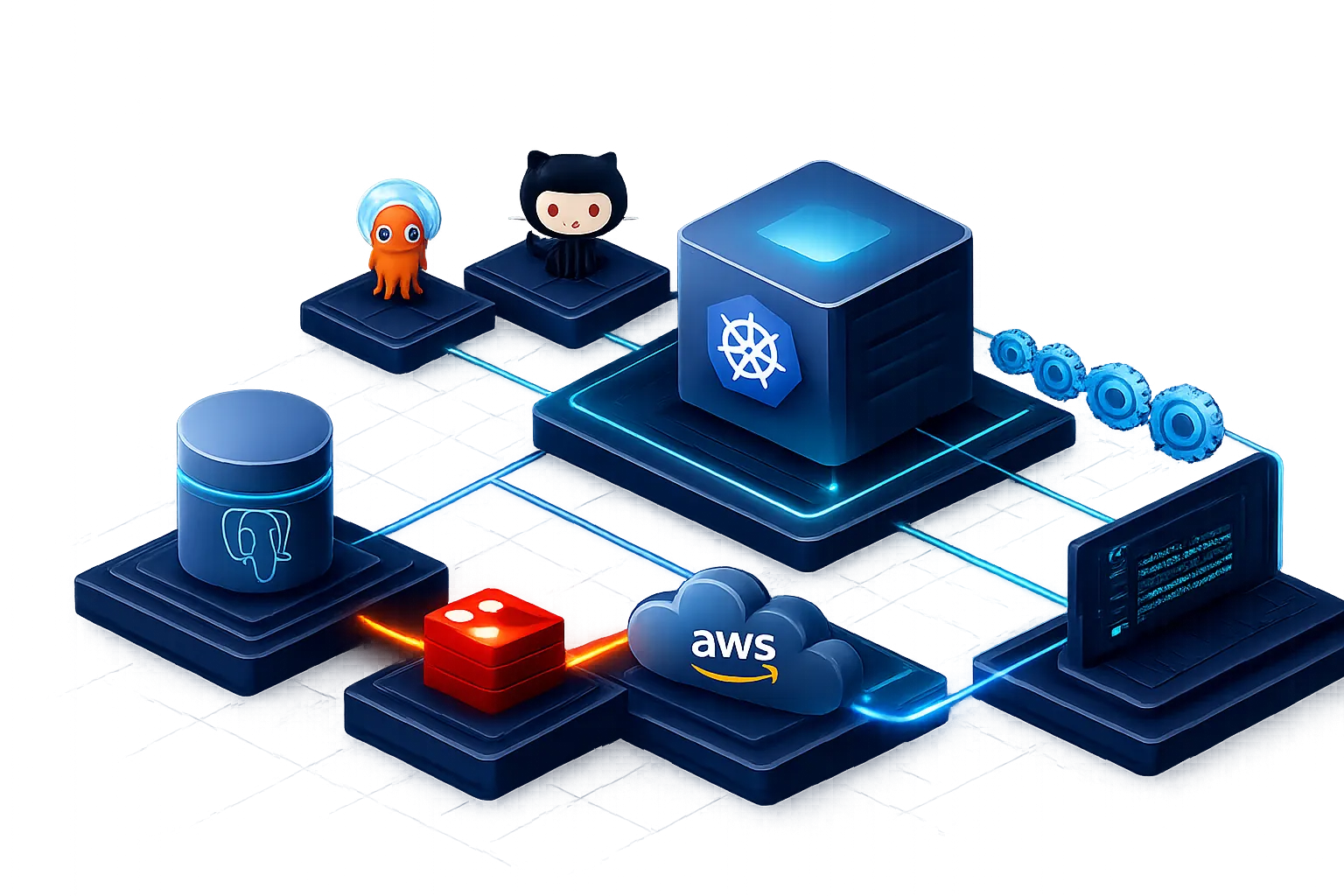
Kubernetes, PostgreSQL databases, cloud infrastructure, and a development terminal connected in a deployment network.

DevOps & Automation

CI/CD, GitOps, Infrastructure as Code, and automation to ship faster and safer.

Databases

PostgreSQL, CloudNativePG, back-ups, failover, and performance tuning.

Cloud & Kubernetes

Kubernetes, HAProxy, monitoring, scalability, and cloud native architectures.

Backend Engineering

Go services, APIs, clean architecture, and reliable backend systems.

2+ Years Experience
30+ Projects Deployed
99.9% Uptime Focus
Always Learning

Inventory

Tech Stack

The technologies and tools I use to build, deploy, and maintain modern applications and infrastructure.

Platform & Orchestration

01/06
  • Kubernetes
  • Helm
  • Kustomize
  • Argo CD
  • Flux CD
  • Docker
  • CloudNativePG
  • cert-manager

Cloud & Infrastructure

02/06
  • AWS
  • DigitalOcean
  • Azure
  • Infrastructure as Code

CI/CD & GitOps

03/06
  • GitHub Actions
  • GitHub
  • Argo CD
  • Flux CD

Backend & Databases

04/06
  • Go
  • Nest
  • REST APIs
  • Redis
  • NATS
  • MinIO
  • PostgreSQL
  • SQL
  • MongoDB

Tools & Utilities

05/06
  • Linux
  • Bash
  • kubectl
  • AWS CLI
  • Helm CLI
  • Flux CLI
  • Argo CD CLI
  • MinIO Client
  • PostgreSQL CLI
  • Postman
  • jq
  • yq
  • Make
  • dig
  • OpenSSL
  • VS Code

Observability & Monitoring

06/06
  • Prometheus
  • Grafana
  • Loki
  • Alertmanager
  • OpenTelemetry
  • Metrics Server
  • Centralized Logging
  • Health Checks

Chronology

My Journey

A timeline of my professional journey and key milestones.

Webpoint Solutions, LLC

2 yrs 3 mosKathmandu, Bāgmatī, Nepal

  1. DevOps Engineer | Software Engineer

    Full-time

    Jul 2026 — Present 1 mo Hybrid

    DevOps Engineer with experience in cloud infrastructure, CI/CD, deployments, monitoring, and backend development. I work across infrastructure and application layers, with hands-on experience in AWS, Docker, Kubernetes, GitHub Actions, PostgreSQL, Go, and Node.js.

    • AWS
    • Docker
    • Kubernetes
    • GitHub Actions
    • PostgreSQL
    • Go
    • Node.js
  2. Associate DevOps Engineer

    Full-time

    Jul 2024 — Jul 2026 2 yrs 1 mo On-site

  3. DevOps Engineer

    Internship

    May 2024 — Jul 2024 3 mos On-site

Leapfrog Technology, Inc.

3 mosKathmandu, Bāgmatī, Nepal

  1. DevOps Engineer

    Internship

    Feb 2024 — Apr 2024 3 mos On-site

Portfolio

Selected Work

Some of the platforms and systems I've built, deployed, and currently maintain.

EC2 Provisioner

Self-service Terraform + Ansible bootstrap that provisions an EC2, installs Docker and GitHub Actions runners, and renders a Docker Compose stack with a project-specific directory layout and .env.

  • Terraform
  • Ansible
  • Docker
  • AWS
  • GitHub Actions
  • Jinja
  • Bash

Growli

RESTful API backend for the Growli parenting and education platform: auth, content, subscriptions, real-time notifications, and media — built on Echo, PostgreSQL, Redis, and AWS S3.

  • Go
  • Echo
  • PostgreSQL
  • Redis
  • Stripe
  • AWS S3
  • SSE
View Details

Wi-pray

Multi-tenant prayer platform backend shipping two binaries from one codebase: an Echo HTTP API and a NATS JetStream worker for email, media transcoding, push notifications, and chat persistence.

  • Go
  • Echo
  • PostgreSQL
  • NATS JetStream
  • WebSockets
  • Stripe
  • AWS S3
View Details

Deployment pipeline

From Commit to Production

Explore two production delivery paths: Kubernetes GitOps reconciliation and direct server deployment.

An immutable image moves through registry automation, Git write-back, Helm rendering, Argo CD reconciliation, and a Kubernetes rolling update.

Stage 01 / 09 · Source control

Developer commits to main

A reviewed application change is merged into the production branch, creating the immutable revision used throughout delivery.

Committed Revision: d82ab17
delivery-events --follow 01/09
git push origin main
[GIT] Revision d82ab17 pushed to main.
[GIT] Production workflow event emitted.
[GIT] Source revision recorded.

Stage 02 / 09 · CI orchestration

GitHub Actions starts the build

GitHub Actions receives the push event, checks out the exact revision, and prepares an isolated Buildx runner.

Running Workflow: Build and Publish
delivery-events --follow 02/09
[CI] Push event received for main.
[CI] Workflow configuration loaded.
[CI] Job "publish" queued.
[CI] Ubuntu runner assigned.
[CI] Revision d82ab17 checked out.

Stage 03 / 09 · Registry authentication

Authenticate to the image registry

A protected GitHub Actions secret creates a short-lived registry session without exposing credentials in source or logs.

Authenticated Credentials remain masked
delivery-events --follow 03/09
[GITHUB] Loading REGISTRY_TOKEN from Actions Secrets…
[GITHUB] Protected credential injected.
[REGISTRY] Creating short-lived login session…
[REGISTRY] Authentication succeeded.

Stage 04 / 09 · Container build

Build and tag the Docker image

Buildx creates the production image and tags it with both the source branch and the short commit hash for traceability.

Building Tag: main-sha-d82ab17
delivery-events --follow 04/09
docker buildx build --target prod .
[BUILD] Loading Dockerfile and build context…
[BUILD] Restoring GitHub Actions layer cache…
[BUILD] Creating production runtime image…
[BUILD] Tagged platform-service:main-sha-d82ab17.

Stage 05 / 09 · Image publishing

Push the image to the registry

The immutable branch-and-revision image is uploaded to the private registry and becomes available to deployment automation.

Published Digest verified
delivery-events --follow 05/09
docker push registry.example.com/platform-service:main-sha-d82ab17
[PUSH] Uploading image layers…
[PUSH] All layers uploaded.
[PUSH] Registry digest sha256:7c19… verified.
[REGISTRY] New eligible image available.

Stage 06 / 09 · Image automation

Image Updater discovers the build

Argo CD Image Updater scans registry metadata, filters eligible main-branch tags, and selects the newest allowed build.

Detected Policy: main-sha-*
delivery-events --follow 06/09
[UPDATER] Scanning registry.example.com/platform-service…
[UPDATER] Applying tag filter: ^main-sha-[0-9a-f]+$.
[UPDATER] Eligible tag main-sha-d82ab17 detected.
[UPDATER] Registry build metadata accepted.

Stage 07 / 09 · Git write-back

Update the GitOps repository

Image Updater writes the selected image tag back to the GitOps source of truth, where application manifests, Helm charts, and environment values live.

Updated Desired state committed
delivery-events --follow 07/09
[GITOPS] Cloning organization/platform-gitops…
[GITOPS] Updating image tag override…
[GITOPS] image.tag = main-sha-d82ab17.
[GITOPS] Write-back commit pushed to main.

Stage 08 / 09 · Desired-state reconciliation

Argo CD reconciles the change

Argo CD detects the Git revision, renders the shared Helm chart with its production values, and automatically syncs the desired state.

Syncing Automated reconciliation
delivery-events --follow 08/09
[ARGO] New GitOps revision detected.
[HELM] Rendering charts/platform-service…
[HELM] Production manifests generated.
[ARGO] Applying desired-state changes…
[ARGO] Application synced and healthy.

Stage 09 / 09 · Kubernetes deployment

Kubernetes rolls out the revision

The Deployment replaces pods gradually, pulls the immutable image, injects runtime configuration, and waits for readiness before completion.

Healthy All replicas are ready
delivery-events --follow 09/09
[K8S] RollingUpdate started for production-service.
[K8S] Pulling main-sha-d82ab17…
[K8S] New pods starting with runtime configuration…
[K8S] Readiness checks passed.
[K8S] Rollout complete — 2/2 replicas ready.

Kubernetes GitOps. Stage 1 of 9: Developer commits to main

A direct-host release packages an image, connects securely to production, and executes the remote deployment workflow.

Stage 01 / 09 · Source control

git push origin main

A developer pushes the latest application changes to the main branch, starting the production deployment workflow.

Live Watching branch: main
tail -f /var/log/deploy.log 01/09
git status
On branch main — up to date with origin/main.
git push origin main
Objects written: 100% (12/12).
Revision d82ab17 pushed to main.

Stage 02 / 09 · CI/CD orchestration

GitHub Actions workflow triggered

GitHub detects the push and starts the production deployment job on a managed Ubuntu runner.

Running Workflow: Build and Deploy
tail -f /var/log/deploy.log 02/09
[CI] Push event received.
[CI] Workflow configuration loaded.
[CI] Job "deploy" queued.
[CI] Ubuntu runner assigned.
[CI] Checking out repository…

Stage 03 / 09 · Secret management

Create the runtime environment

GitHub Actions Secrets provides the deployment credentials used to authenticate to HashiCorp Vault, which supplies the protected application configuration.

Secured Sensitive values remain masked
tail -f /var/log/deploy.log 03/09
[GITHUB] Loading protected workflow credentials…
[GITHUB] Deployment credentials injected.
[VAULT] Authenticating with AppRole…
[VAULT] Client token received.
[VAULT] Reading apps/production/runtime…
[VAULT] Runtime secrets retrieved.
[VAULT] Ephemeral .env generated.

Stage 04 / 09 · Container build

docker build --target runner

The runner builds a production-ready OCI image from the repository Dockerfile and generated environment configuration.

Building Image: platform-service:prod
tail -f /var/log/deploy.log 04/09
docker build -t platform-service:prod --target runner .
[DOCKER] Loading Dockerfile and build context…
[DOCKER] Installing production dependencies…
[DOCKER] Creating optimized runtime layer…
[DOCKER] Image built: platform-service:prod.

Stage 05 / 09 · Secure connection

Package image and connect to production

The image is exported as an archive while the workflow verifies and opens an encrypted SSH connection to production.

Connected SSH host verified
tail -f /var/log/deploy.log 05/09
docker save -o platform-service-prod.tar platform-service:prod
[PACKAGE] Image archive created.
[SSH] Scanning production.example.com…
[SSH] Host fingerprint verified.
[SSH] Secure connection established.

Stage 06 / 09 · Remote Docker

Switch to the production context

A remote Docker context routes subsequent commands through SSH to the Docker daemon running on the production host.

Active Context: production
tail -f /var/log/deploy.log 06/09
docker context create production --docker "host=ssh://deploy@production.example.com"
[CONTEXT] Context "production" created.
docker context use production
[REMOTE] Inspecting production Docker engine…
[REMOTE] Remote daemon available.

Stage 07 / 09 · Image delivery

Load the new image remotely

The previous runtime is removed safely before the newly built image is loaded into the remote Docker daemon.

Updating Replacing production image
tail -f /var/log/deploy.log 07/09
[REMOTE] Existing runtime container identified.
[REMOTE] Previous container stopped and removed.
[PUSH] Streaming platform-service-prod.tar…
[PUSH] Layers transferred and verified.
[PUSH] Loaded image: platform-service:prod.

Stage 08 / 09 · Application deployment

Execute deploy.sh

The workflow invokes the deployment script on the production host to start the application with its production configuration.

Deploying Running remote deployment script
tail -f /var/log/deploy.log 08/09
ssh deploy@production.example.com /opt/services/platform-service/deploy.sh
[DEPLOY] Loading production configuration…
[DEPLOY] Starting application container…
[DEPLOY] Applying restart policy and network…
[DEPLOY] Container started successfully.

Stage 09 / 09 · Production runtime

Application running in production

The new application revision is healthy inside its Docker container and the production deployment has completed.

Healthy Deployment completed successfully
tail -f /var/log/deploy.log 09/09
[HEALTH] Container is running.
[HEALTH] Application port is available.
[HEALTH] HTTP 200 OK — response in 42ms.
[SYSTEM] Deployment completed in 01m 36s.
[SYSTEM] Revision d82ab17 is stable.

Server Deployment. Stage 1 of 9: git push origin main

Contact

Let's build reliable systems.

Open to conversations about platform engineering, backend systems, and infrastructure reliability.